
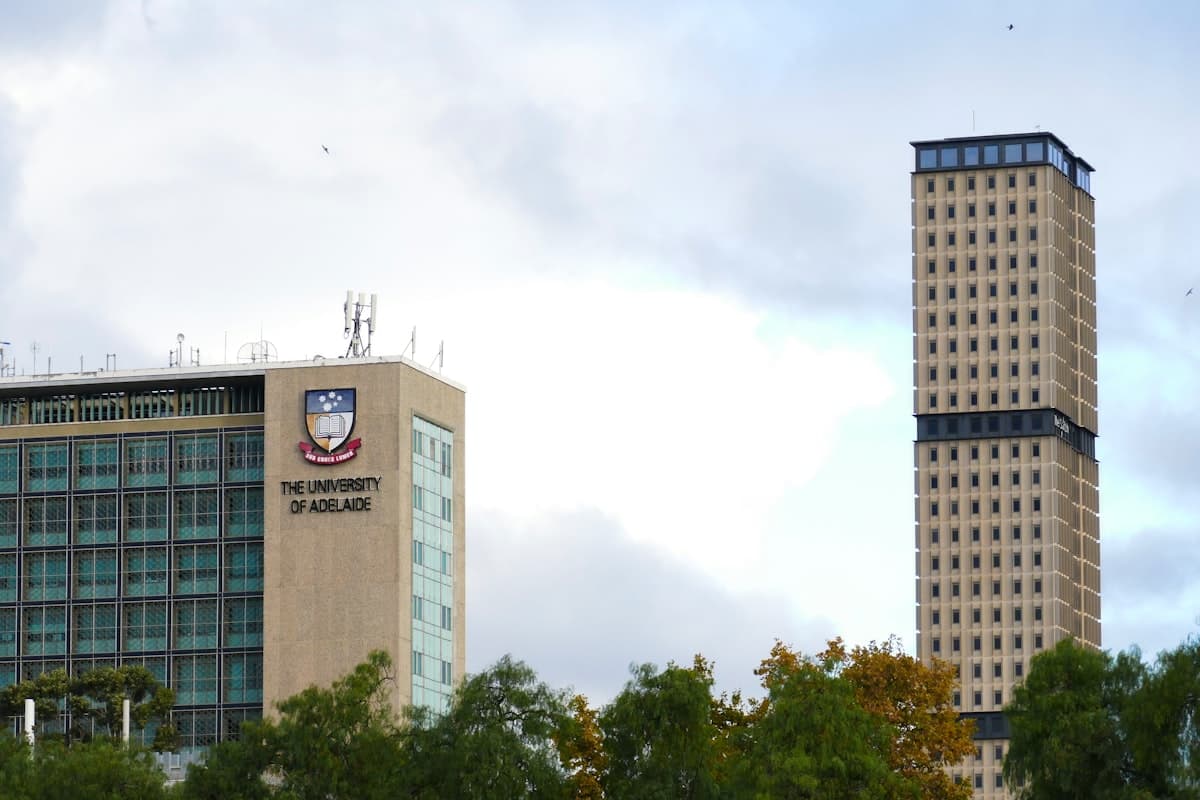
One campus, one ledger
Facilities and campus administration read safety records, energy line items and materials on one ledger. The organisation inventory stays in carbon inventory. Operating curves stay in energy management. This page records the campus file and the creation materials.
From the campus file to the creation draft
The campus path runs as file, safety, energy, carbon ledger, low-carbon habits and draft. Whether a green-school review passes stays with the competent authority.
Campus file
Register teaching buildings, dormitories, canteens and shared areas on one campus file.
Electrical safety
Overload, leakage and temperature exceptions are booked as alerts and handling records. This page keeps monitoring, alerts and records.
Line-item energy
Teaching buildings, dormitories, labs and canteens are listed by area. Operating curves stay in energy management.
Campus carbon ledger
Purchased electricity, canteen gas and commuting are collected inside the campus boundary. This page records the structure and does not state a reduction rate.
Low-carbon habits
Connected low-carbon actions are listed by class or faculty. Point rules stay in carbon benefit.
Creation draft
The file, safety, energy and the carbon ledger are arranged as a materials list. This page does not state an approval.
Safety, energy, carbon, habits, files
Facilities and campus administration read whether safety is recorded, line items are complete, and materials can be matched, on one campus ledger.
Electrical safety
Alerts and handling records are fixed first, so later energy and materials share one method.
Line-item energy
Teaching buildings, dormitories and canteens are listed by area. Curves stay in energy management.
Campus carbon ledger
Purchased electricity and canteen gas are collected inside the campus boundary. The organisation inventory stays in carbon inventory.
Low-carbon habits
Connected actions are listed by class or faculty. Point detail stays in carbon benefit.
Creation files
The file, safety, energy and the carbon ledger are arranged as a materials list for internal briefings and creation preparation.
Safety records, line-item energy, materials list
Three desks match what facilities checks day to day. Statuses on the cards are samples.
Safety desk
Alerts and handling records are listed apart. Each row returns to a building.
Energy desk
Teaching buildings, dormitories and canteens are listed by area. Missing items stay to-complete.
Materials desk
File, safety, the carbon ledger and evidence are listed apart. Missing items stay to-complete.
Eight capabilities along the campus creation ledger
From the campus file to the creation draft, work stays with one campus. The organisation inventory, distribution detail and card settlement open from the linked products.
Campus file
Register the boundary by teaching building, dormitory, canteen and shared area, as the shared method for safety and materials.
Write down which buildings and areas are in scope, so later tables can be matched.
- The campus file records buildings and shared areas, and changes remain traceable.
- Teaching areas and living areas are registered apart.
- A multi-campus school starts with one campus. The comparison follows after that ledger is clear.
- Teaching
- Dorms
- Canteen
- Boundary
Electrical safety
Overload, leakage and temperature exceptions are booked as alerts and handling records, traceable by building.
The safety desk shows whether this building has alerts and handling on record.
- Each record has a building and a current status.
- This page keeps monitoring, alerts and records, and does not expand detection methods.
- Records not yet closed stay to-complete.
- Monitor
- Alert
- Record
- Building
Line-item energy
Connected energy for teaching buildings, dormitories, labs and canteens is listed by area.
The ledger shows which class of energy is already collected.
- Connected areas are listed. Missing items stay on the list.
- Operating curves stay in energy management. This page takes the totals.
- This page records the structure and does not state a reduction rate.
- Area
- Line item
- Status
- Missing
Campus carbon ledger
Purchased electricity, canteen gas and commuting are collected inside the campus boundary.
The ledger shows which accounts are already inside the campus boundary.
- Canteen gas and laboratory gas are listed as accounting row names.
- The organisation inventory is completed in carbon inventory. This page cites the result after it is inside the campus boundary.
- This page records the structure and does not state a reduction rate.
- Electricity
- Canteen gas
- Commuting
- Boundary
Carbon benefit
Connected low-carbon actions by staff and students are listed by class or faculty.
The roster records actions already connected. Point rules stay in carbon benefit.
- Each row has a class or faculty and a current collection status.
- Points and redemption are not expanded here.
- Actions not yet connected stay to-complete.
- Class
- Action
- Roster
- To complete
Green energy
Connected solar, lighting, air-conditioning and water are registered by facility name.
The roster records facilities already connected. Operating detail stays in the matching product.
- Each facility has a campus and a current registration status.
- Generation curves and control strategies are not expanded here.
- Facilities not yet connected stay to-complete.
- Solar
- Lighting
- Air-conditioning
- Water
Campus-card link
Spend and access from the school’s existing campus card are booked as behaviour data after they are connected.
This page keeps the behaviour summary after connection. Issuing and settlement stay in the smart one-card.
- Connected flows are listed on the campus roster.
- Scenes not yet connected stay to-complete.
- The card product opens from the smart one-card in the linked products.
- Spend
- Access
- Connected
- Roster
Creation draft
The file, safety, energy and the carbon ledger map onto the creation structure, from the same campus ledger as the three desks.
The draft comes from the same campus ledger. Whether a review passes stays with the competent authority.
- The list covers the file, safety, energy, the carbon ledger and materials.
- Missing items stay on the list.
- Public wording matches the three desks.
- File list
- Missing items
- Draft
Detail ledgers stay where they are
This page takes the campus file, electrical safety and the creation materials. The products below keep their own ledgers or adjacent work.
Adjacent pages by what the campus needs next
The product is the campus creation ledger. Public-institution assessment, teaching-building energy and the campus-card scene live on the solution pages.
See whether this campus can sit on one ledger
Tell us the campus, the buildings and the meters already connected. We arrange a trial or a demo and say how far the ledger can go.