
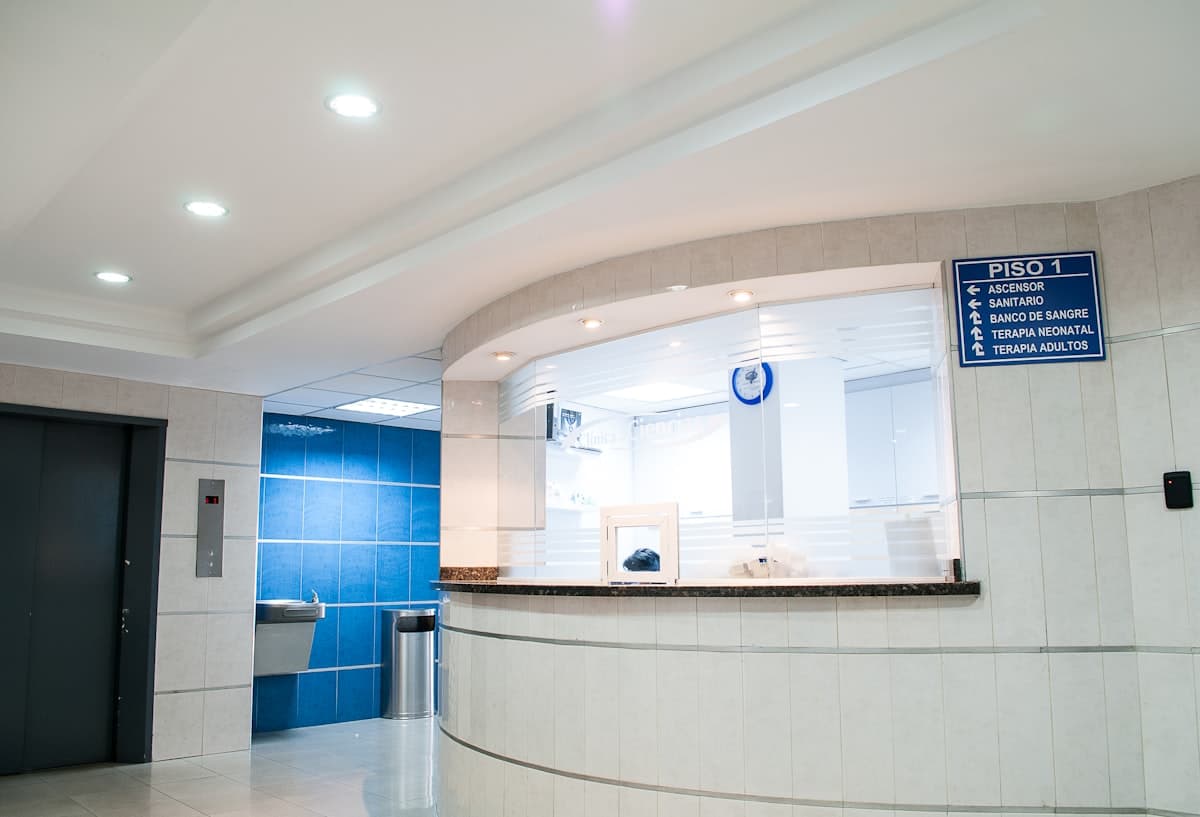
One hospital campus, one ledger
Logistics and the equipment office read line items, department quotas, and whether protected loads sit apart from adjustable loads. Indoor environment stays on zero-carbon building, distribution curves on energy management, and inpatient records and electronic medical records stay with the hospital IT department.
From the campus file to the evaluation draft
The hospital path runs as file, line items, quotas, safety constraints, accounting and draft. The review decision stays with the competent body.
Campus file
Draw the campus boundary and register buildings, common areas and key energy systems on one hospital file.
Line-item watch
Lighting and sockets, HVAC, power and special clinical systems stay in separate columns, each traceable to a department or plant room.
Department quotas
Quotas land on departments and systems. Near-quota and over-quota are marked apart for logistics to read.
Safety constraints
Protected loads and adjustable loads stay apart. Clinical areas keep monitoring and alarms. Strategy changes follow written hospital approval.
Full accounting
Fuel, purchased electricity and heat, plus medical gases, medical waste and medical wastewater, are listed by source and can be traced.
Evaluation draft
Boundary, line items, quotas, safety and accounting are arranged as the evaluation file structure. The review decision stays with the competent body.
Campus, line items, quotas, safety, accounting
Logistics, the equipment office and hospital leadership read the baseline, the quotas and which loads stay on monitoring, on one campus ledger.
Campus file
The boundary, buildings, common areas and key systems are fixed first, so later line items and quotas share one method.
Line-item watch
Lighting and sockets, HVAC, power and special clinical systems are listed apart. Key departments and plant rooms can be opened.
Department quotas
Quotas are compared by department and system. The allocation method for common-area energy is written next to the quota.
Clinical safety
Protected loads have their own list. Operating theatres, clean HVAC and negative-pressure rooms stay on monitoring and alarms.
Full accounting
Energy activity and hospital-specific sources are listed apart. The organisation inventory stays in carbon inventory.
Campus overview, key systems, logistics tickets
Three desks match what logistics and the equipment office check day to day. Statuses on the cards are samples.
Campus overview
Protected loads, adjustable loads and common areas are listed apart. Each row returns to a building, a department or a plant room.
Key systems
Clean HVAC, medical gases and sterile supply keep a monitoring status. Strategy changes follow written hospital approval.
Logistics tickets
Alarms and missing items stay on a ticket, apart from phone and chat notes. The outcome is written back on the same ticket.
Eight capabilities along the hospital operating path
From the file to the report, work stays at hospital level. Indoor environment, HVAC strategy and lighting circuits open from the linked products.
Campus file and boundary
Draw the boundary and register buildings, common areas and key energy systems as the shared method for line items and quotas.
Write down which buildings and systems are in scope, so later tables can be matched.
- Boundary and buildings stay on the campus file, and changes remain traceable.
- Operating theatres, ICU, negative-pressure rooms and sterile supply are registered apart from ordinary offices.
- A multi-campus group starts with one demonstration hospital. Group comparison follows after that ledger is clear.
- Boundary
- Building list
- Common areas
- Key systems
Line-item metering
Lighting and sockets, HVAC, power and special clinical systems are collected apart. Key departments and plant rooms can be opened.
When the main meter rises, the ledger names whether it is the clean system, the canteen or office lighting.
- Special systems cover clean rooms, medical gases and sterile supply.
- Electricity, water, gas and steam are listed for meters already connected. Missing meters stay on a gap list.
- Indoor-environment detail stays on zero-carbon building. This page takes department and system totals.
- Lighting and sockets
- HVAC
- Power
- Special systems
Key energy systems
Clean HVAC, medical gases, sterile supply and domestic hot water keep a monitoring status by system.
Key systems show operating status first. Strategy changes follow written hospital approval.
- Each system has a building, a responsible department and a current monitoring status.
- Medical gases appear here as an energy and accounting source. Process parameters stay in the hospital’s specialist systems.
- Chiller and terminal strategies open on the smart HVAC product. Clinical areas keep monitoring and alarms.
- Clean HVAC
- Medical gases
- Sterile supply
- Domestic hot water
Department quotas
Quotas land on departments and energy systems. Near-quota and over-quota are marked apart.
A quota names the department or system that is over. The allocation method for common-area energy is written beside it.
- Quotas are compared at department and system level, with statuses for watching, near quota and over quota.
- Common-area energy is allocated to departments by the method the hospital confirms. Method changes keep a version.
- Beds and activity volume appear only as names of the quota basis. This page does not state an intensity target.
- Department quota
- System quota
- Allocation method
- Status
Clinical safety constraints
Protected loads and adjustable loads are listed apart. Clinical areas keep monitoring and alarms.
Loads that should stay steady are marked protected first. Adjustable loads are the ones later optimisation can discuss.
- Operating theatres, ICU, negative-pressure rooms and radiology-related loads go on the protected list.
- Adjustable loads include non-critical HVAC, staff charging and storage, each on its own row.
- Strategies that touch protected loads follow written hospital approval. This page records the approval status and does not run the action.
- Protected loads
- Adjustable loads
- Alarms
- Written approval
Full accounting
Roll up fuel, purchased electricity and heat, plus medical gases, medical waste and medical wastewater, inside the campus boundary.
The campus ledger is listed by source, so it can be matched to bills and department quotas.
- On-site boilers, canteen gas and standby generation are collected by fuel source.
- Medical gases, medical waste and medical wastewater are names of accounting rows. Handling stays on the hospital’s specialist books.
- The organisation inventory is completed in carbon inventory. This page cites the result after it is inside the boundary.
- Fuel
- Purchased energy
- Medical gases
- Waste and wastewater
Logistics tickets
Alarms and missing items become tickets. The duty note and the outcome stay on the same ticket.
A repair has a record. Ticket status matches the monitoring status on the campus overview.
- Energy anomalies, missing meters and equipment alarms can open a ticket, with the responsible department on it.
- After the outcome is written back, the status on the overview updates with it.
- Clinical workflows do not enter tickets. Tickets cover logistics and equipment work.
- Alarms
- Gaps
- Handling
- Write-back
Evaluation draft and reports
Boundary, line items, quotas, safety and accounting are arranged as the evaluation and briefing file structure.
The draft aligns the file structure. The review decision stays with the competent body.
- The list covers five drafts: boundary, line items, quotas, safety and accounting.
- Missing items are marked on the list before the filing window.
- Reports come from the same campus ledger as the three desks. When the hospital is on a public-institution roster, the method is aligned with that solution.
- File list
- Missing items
- Campus reports
Detail ledgers stay where they are
This page takes the campus, departments and key systems. The products below keep their own ledgers or adjacent work.
Adjacent solutions by who the hospital reports to
The product is the campus ledger. Public-institution assessment and energy hosting live on the solution pages.
See whether this campus can sit on one ledger
Tell us which buildings, key systems and protected loads are inside the boundary. We arrange a trial or a demo and say how far the ledger can go.